Free guide · 48 practical editing tips See what’s inside
Better edits start with better decisions.
Clear, practical guides for pacing, captions, short-form workflows, and AI-assisted production — made for the timeline you already use.
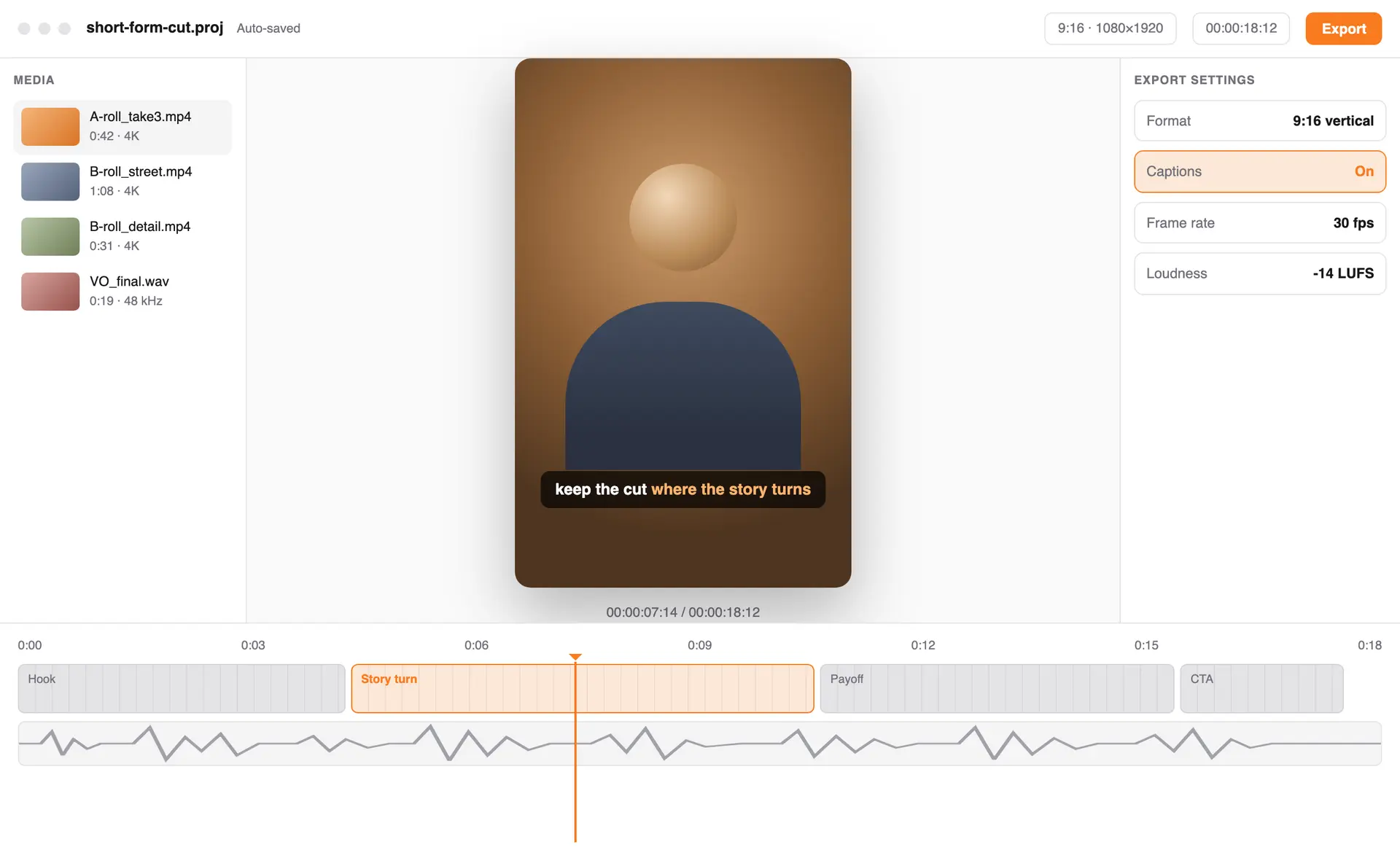
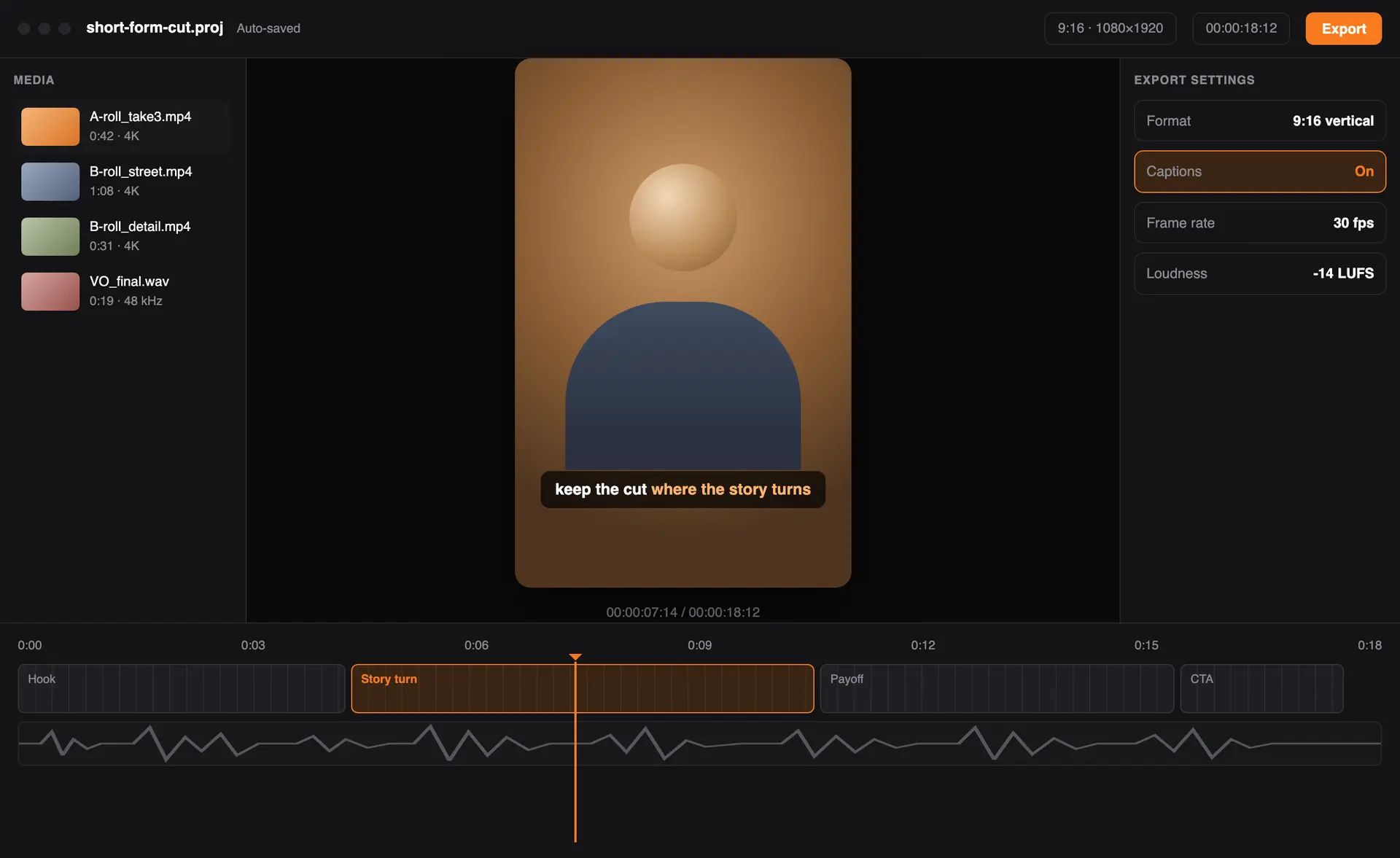
What you’ll learn
Practical skills, one guide at a time.
Each guide focuses on one editing problem and leaves room for the way you already work.
-
Cleaner editing workflows
Organize footage, select stronger takes, and reduce repetitive timeline work.
-
Captions and audio
Create readable subtitles and make dialogue easier to follow.
-
Short-form pacing
Use pacing, framing, hooks, and sound without relying on empty trends.
-
AI as an assistant
Apply AI to transcription, cleanup, and repetitive tasks while keeping human review.
Who it’s for
Notes for editors at every stage.
Use what fits your workflow, skip what doesn’t, and keep your own editorial judgment in the loop.
-
Starting a repeatable workflow
For creators turning a folder of clips into a process they can rely on.
-
Shaping short-form stories
For editors working closely with captions, pacing, sound, and mobile formats.
-
Testing useful AI assistance
For experienced editors exploring practical tools without handing over the final call.
Guides
Read the latest editing guides.
Viral AI Prompts
Copy-paste prompts to generate strong visual assets and effects for your edits.
Read guideAuto-Editing Shortcuts
Practical tools that automate jump cuts and cut editing time in half.
Read guideHow to Automate Captions with 99% Accuracy
Which AI transcription engines give the best speech-to-text results for short-form content.
Read guideHow it works
Get the free guide in three steps.
No account and no payment — an email address is enough to request the collection.
-
1
Leave your email
Add your address to the request form — first name optional.
-
2
Open the confirmation
The confirmation page makes the 48-tip PDF available to save.
-
3
Try one idea
Test a single tip in your next edit and keep what earns its place.
Take one useful idea into your next edit.
48 practical editing tips, free to download. No account, no payment — just the PDF.
- Quick enough to use mid-edit
- Works across mobile and desktop
- Honest about automation limits